Statements and tax forms
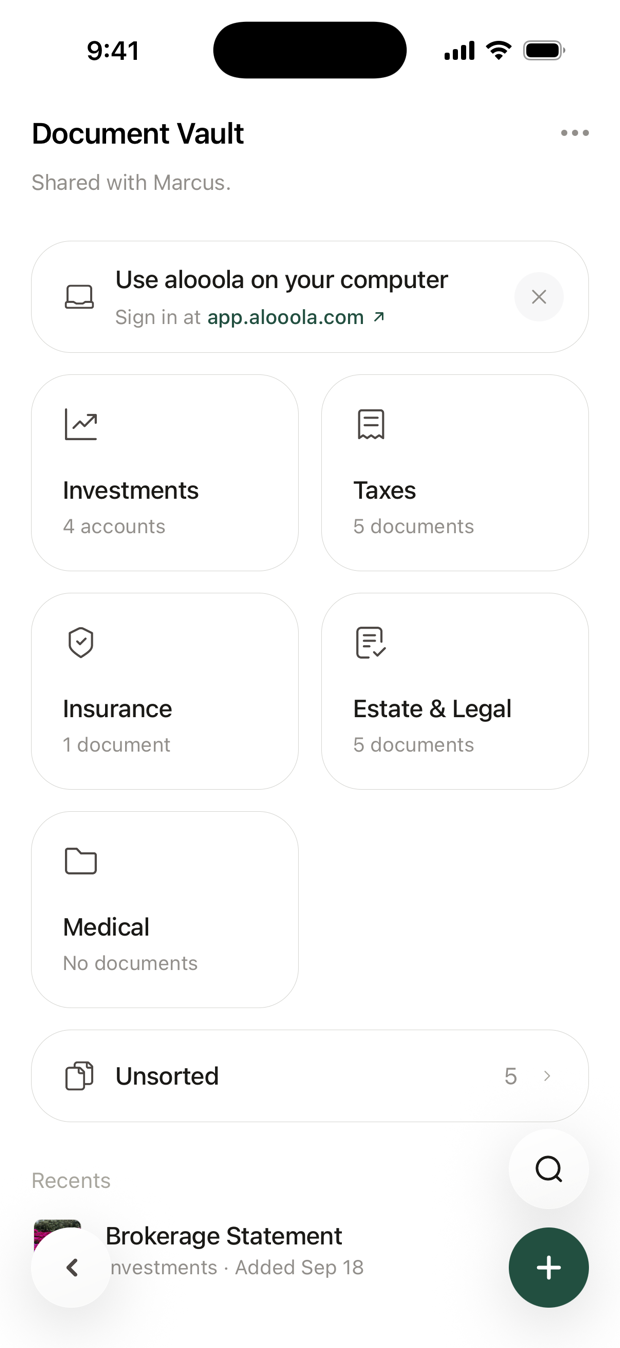
Your statements, trade confirmations and tax forms are in your Document Vault. Open Profile (the person icon at the bottom of the screen), then tap Document Vault.
We add new ones for you automatically. There's nothing to set up.
Where are my statements?
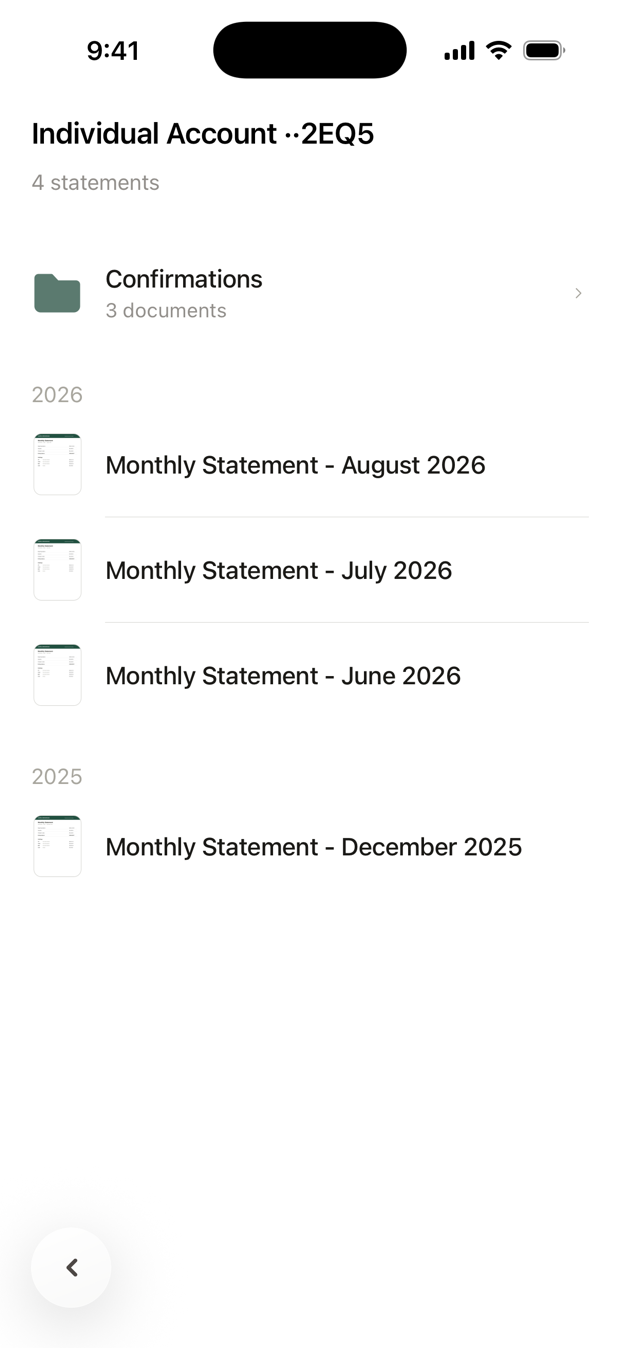
In the Investments folder. Each account has its own folder, with its statements grouped by year and its trade confirmations together in one row.
Where are my tax forms?
In the Taxes folder. You'll find forms such as the 1099 Consolidated, 1099-R and 5498. The 1099 is usually ready by mid-February.
How do I save or print a copy?
- iPhone: open the document, tap ⋯, then Download.
- Android: open the document, then save or share it from your phone's viewer.
- On a computer: sign in at app.alooola.com, open Document Vault from your profile, open the document, tap ⋯, then Download.
Can I find a document quickly?
Yes. In the vault, tap the search button and type, for example "1099" or "2025". See How do I search?
Who else can see them?
- The other owner of a joint account sees that account's documents.
- Your spouse, if you've shared your vault with them.
- Your alooola advisors.
Can I delete or rename them?
No. You can open, search and save the documents we file, but not rename, move or delete them. A closed account keeps its folder.
I have an older account. Where are its documents?
Some older accounts, not held at Apex Clearing, keep their documents in the account's settings. Open the account, tap ⋯, then choose Monthly Statements, Annual Tax Documents or Trade Confirmations. Each document opens as a PDF.
Need a document you can't find? Email support@alooola.com.