Link a bank
Link a bank so you can add money to alooola and withdraw it. We connect to your bank through Plaid, a service that links bank accounts to apps.
How do I connect a bank?
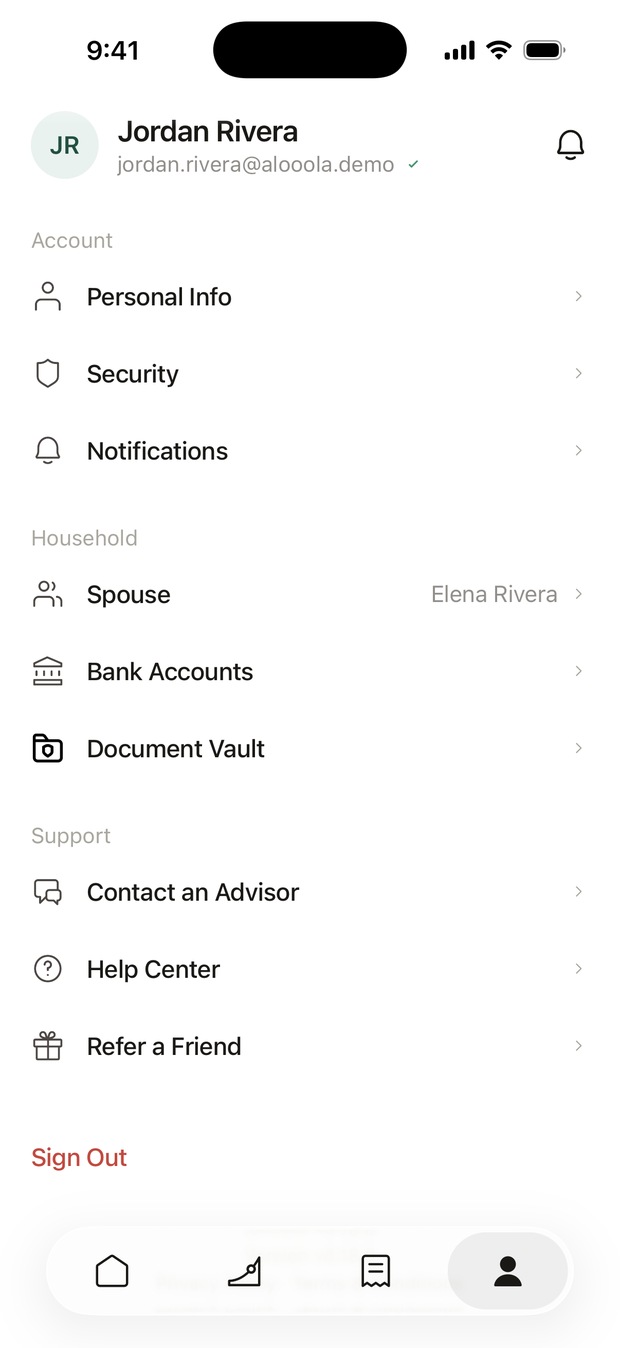
- Open Bank Accounts. Tap Profile (the person icon at the bottom of the screen), then Bank Accounts.
- Tap Connect a Bank. Plaid opens.
- Find your bank. Search for it by name. Most US banks and credit unions are listed.
- Sign in to your bank. You sign in on your bank's own screen inside Plaid, and choose which accounts to share. alooola never sees your bank password.
- Choose what it pays into. If the app asks Use for Investing?, pick the bank account that should fund your investments, or tap Not Now.
Where can I see my banks?
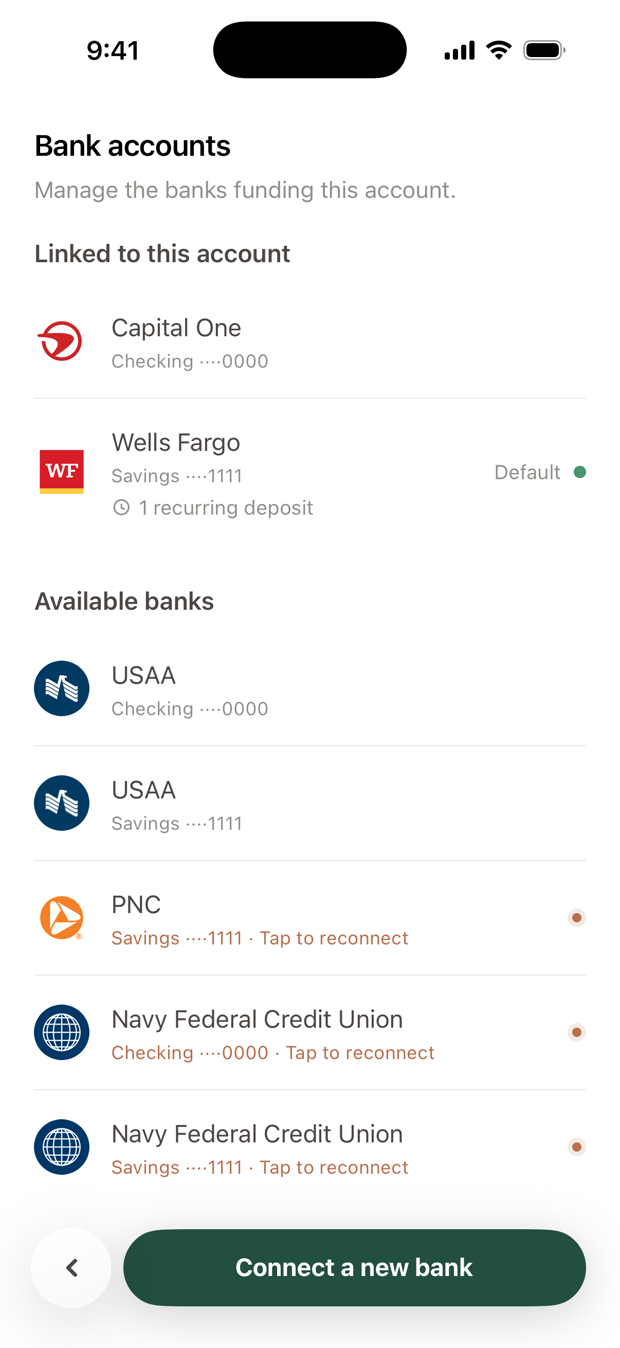
In Profile, under Bank Accounts. Every account you've connected is listed with its balance, grouped as Checking, Savings, Credit Cards and Other.
The same list opens from an account's settings and from the Spending tab's menu.
How do I choose which accounts a bank pays into?
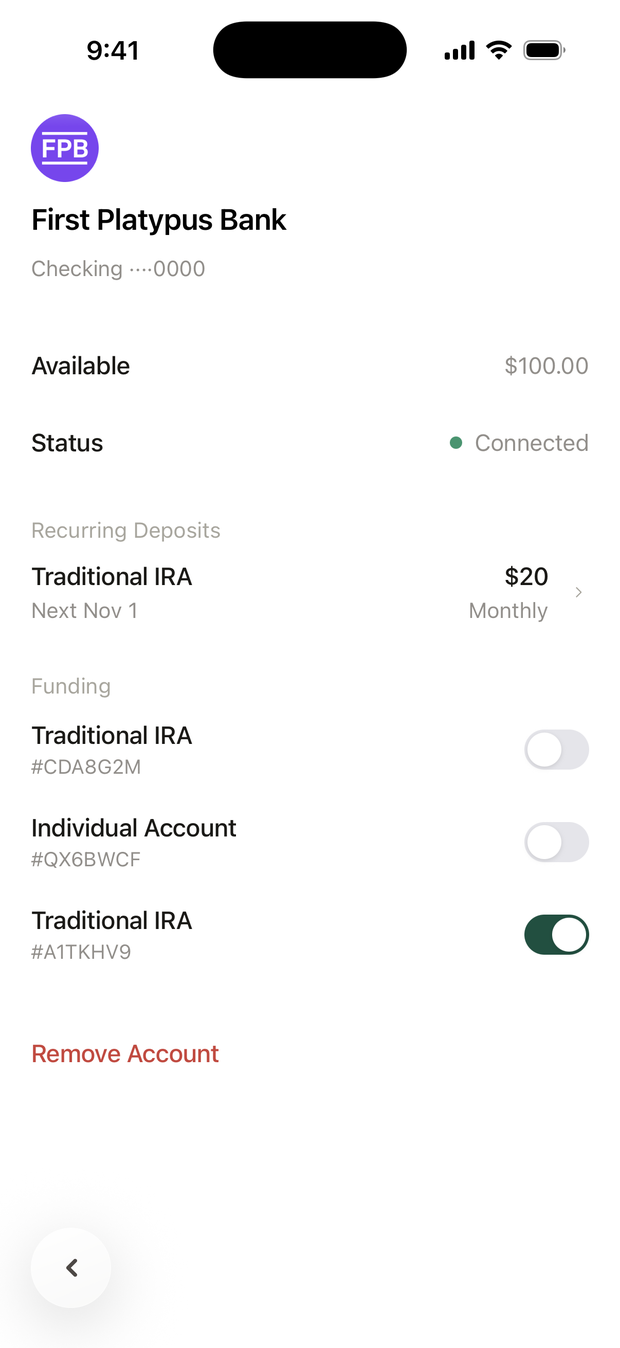
Tap the bank in Bank Accounts. Under Funding, each of your investment accounts has a switch. Turn a switch on and that account can take deposits from this bank.
One bank can pay into several accounts.
A few things to know about the switches:
- Each account can use two banks. If you turn on a third, the app asks Replace Which Bank? A recurring deposit from the bank you drop moves to the new one.
- Turning a switch off can stop a recurring deposit. If this bank pays that account's recurring deposit, the app asks Stop Funding? first. Tap Cancel to keep it.
- Some accounts have no switch. These are your spouse's accounts, joint accounts, backdoor Roth accounts and older accounts not held at Apex Clearing. Choose the bank in the From row when you make a deposit instead.
What does "Needs Reconnecting" mean?
Your bank ended the connection. This is routine, often after a password change or a periodic check by your bank.
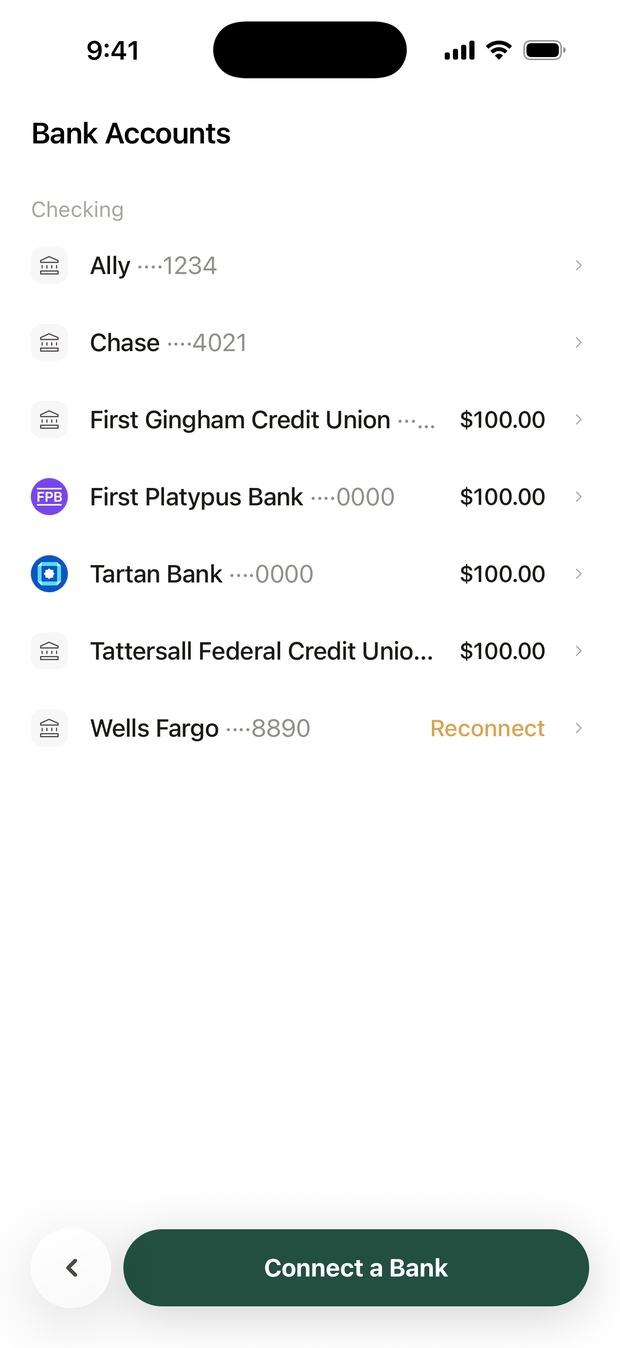
The bank shows Reconnect in the list. Tap it and sign in to your bank again. Until you do, the bank can't fund deposits.
How do I remove a bank?
Tap the bank, tap Remove Account, then Remove. Any recurring deposits from that bank are canceled.
Removing a bank disconnects it from every account. To stop it paying into just one account, turn off that account's switch under Funding instead.
What if it doesn't work?
- I can't find my bank. Search for the exact name on your bank statement. Some banks are listed under a parent company.
- Plaid won't let me sign in. Check that you can sign in on your bank's own website first, then try again.
- The bank doesn't show up. Go back and open Bank Accounts again. A new connection can take a moment.
Still stuck? Email support@alooola.com.